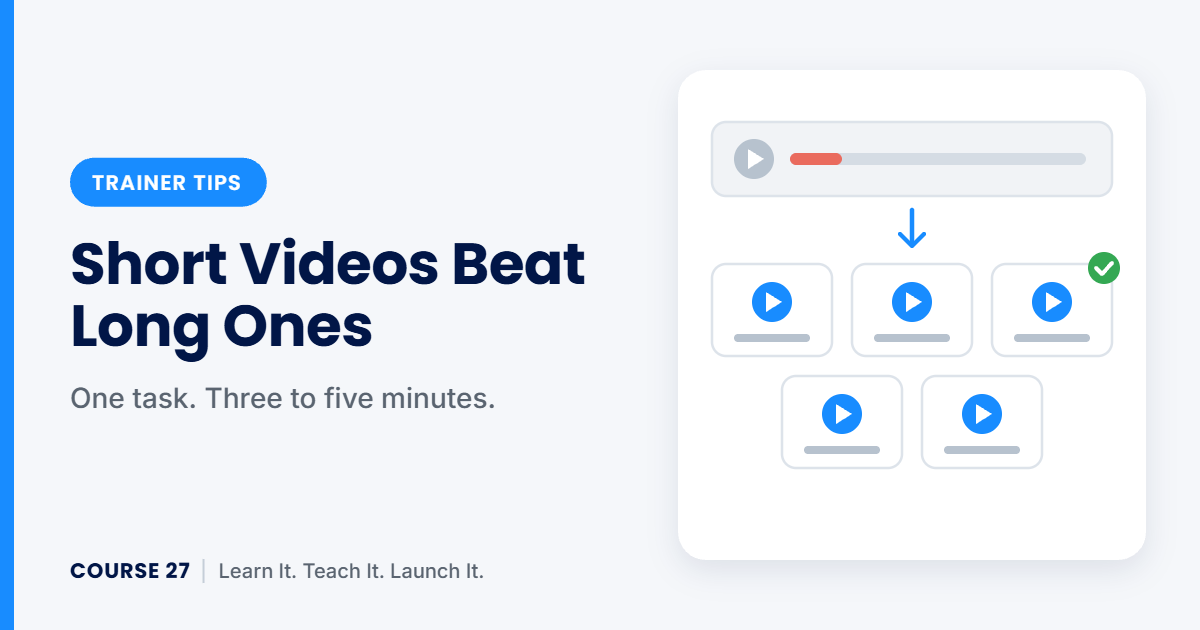
Short Training Videos Beat Long Ones
A client emails, "How do I add someone to my calendar again?" You know the answer is in the onboarding recording. Somewhere around minute 38. So you type it out. Again.
That recording is not a training library. It is a one-hour file nobody will open twice.
Why Long Recordings Fail
People do not go back to training to learn. They go back to find one answer, fast, in the middle of doing something else. If finding it takes longer than asking you, they ask you.
Every question you answer twice is a video you have not made yet.
One Task, One Video
The fix is simple. One task gets one short video.
Three to five minutes. Long enough to show it, short enough to finish.
Named for the task. "Add a Team Calendar," not "Training Part 4."
Straight to the screen. Say what it is, what it does, then show it.
One clear end. Stop when the task is done.
Now when the calendar question comes in, you send a link. They watch, they do it, they stop asking.
Run This Play
Pull your last 20 support questions. Circle the ones that repeat.
Pick the top five. Those are your first five videos.
Record each one in a single take. Do not polish it.
Name each video for the task and keep them in one place your clients can reach.
The next time someone asks, answer with the link.
Five short videos will take you about an hour to make. They will answer those questions for years.
Do not wait until the videos look perfect. A plain screen recording with your voice, made today, beats a polished one you plan to make next quarter. Your clients want the answer. They are not grading the production.
Short videos help you too. When the software changes, you re-record three minutes, not an hour.
Your Next Step
Open your inbox and find the question you have answered most this month. Record that one today.
Want short lessons you can hand to your clients? See one free at LearnForFreeFast.com
Want the full training library with the materials to teach it? Get the Unlimited Access Pass